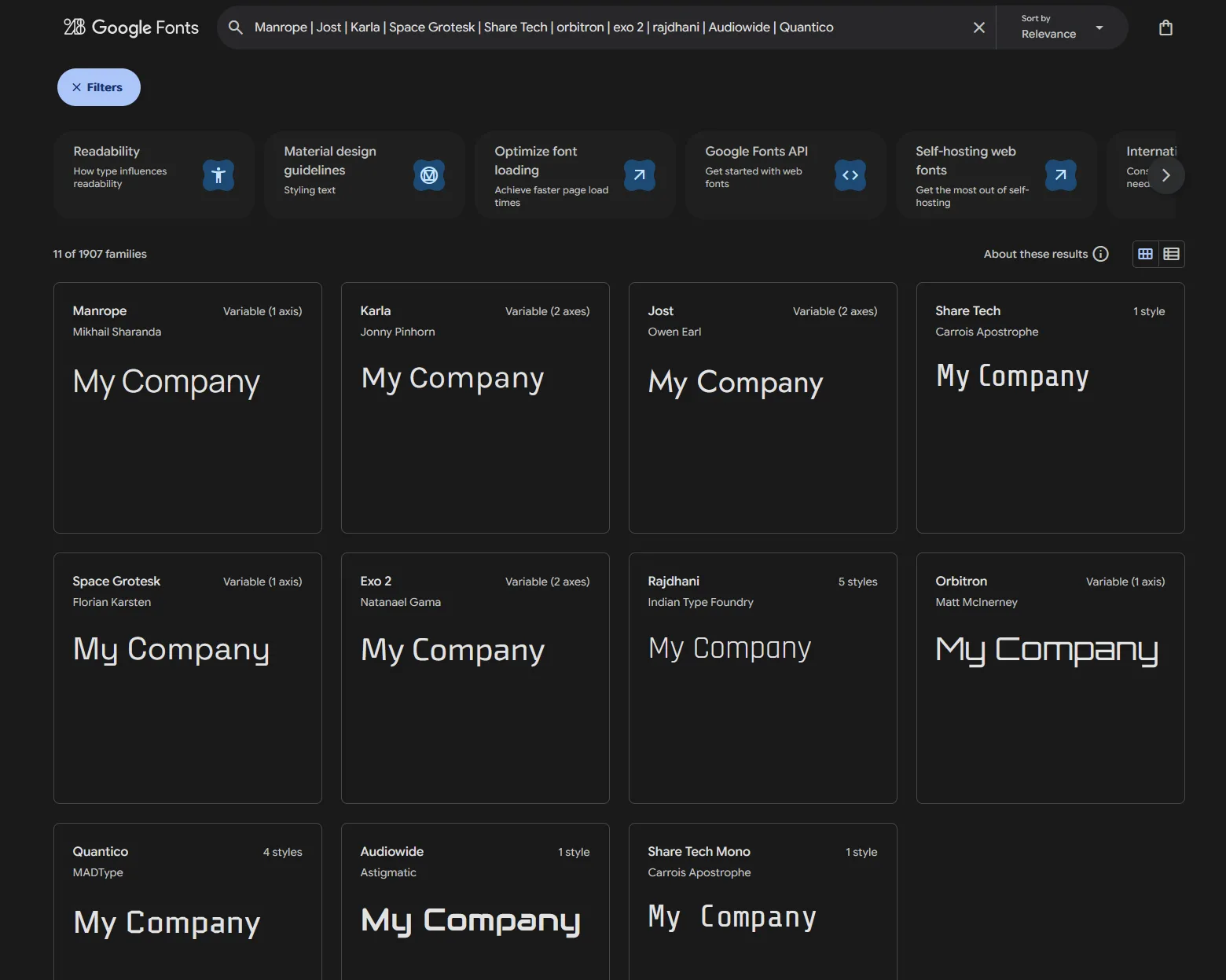
Previewing multiple google fonts at once.
Protip: 💡You can use | pipes to preview multiple fonts at once.
Backstory:
There I was trying to choose a font that I can use as a logotype out of a few candidates I noticed Google fonts has no option to “select” some fonts so that I can view them all at once. So intuitively I tried doing :
Manrope, Jost, Karla, Space Grotesk, Share Tech
but that didnt work. Tried asking AI, deepseek confirmed my intuition – which wasn’t working

I went on to ask chatGPT, but its suggestion was counter-intuitive if not straight stupid:
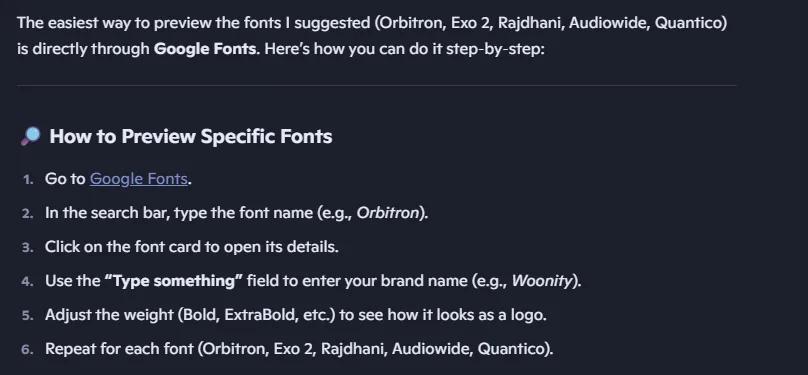
Before going out of my way to search for a website or tool or browser extension to do it, I found out that you can use | pipes to preview multiple fonts at once. Like so:
Manrope | Jost | Karla | Space Grotesk | Share Tech
Example:
https://fonts.google.com/?query=Manrope+|+Jost+|+Karla+|+Space+Grotesk+|+Share+Tech
PS: You can even use this technique as a wild card like putting in “ubuntu” to view all ubuntu families or add “gothic” for a combined filter like:
https://fonts.google.com/?preview.text=woonity&query=ubuntu+|+exo+|+gothic
Please note that the spaces around the pipes that are converted to + in the url are necessary, so putting exo|gothic wont work. It has to be exo | gothic
Here is a working example for reference: