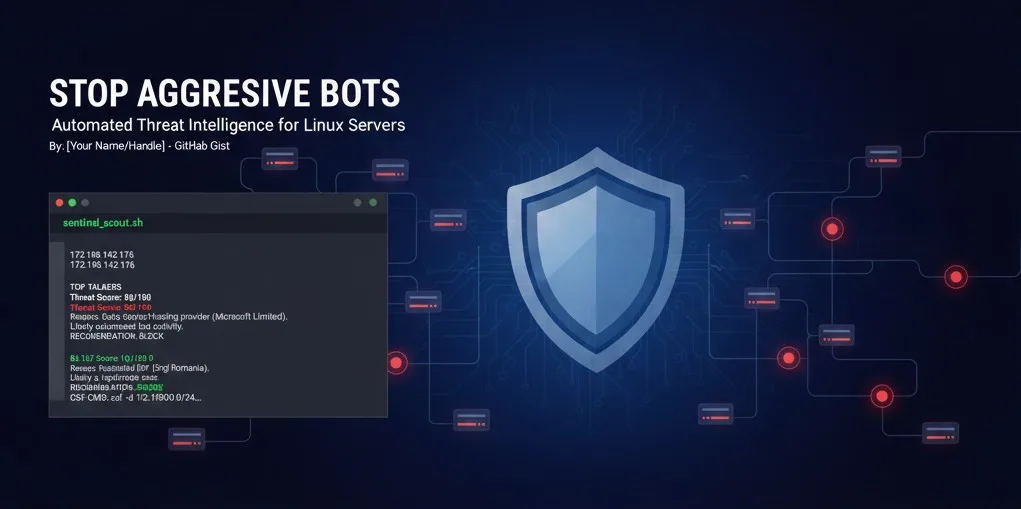
Stop Aggressive Bots in Their Tracks: Automated Threat Intelligence for Linux Servers
If you manage a Linux server, you know the drill: you check your logs and see a single IP address making 20,000 requests in an hour. Is it a legitimate crawler, a customer having a bad day, or a malicious bot searching for vulnerabilities?
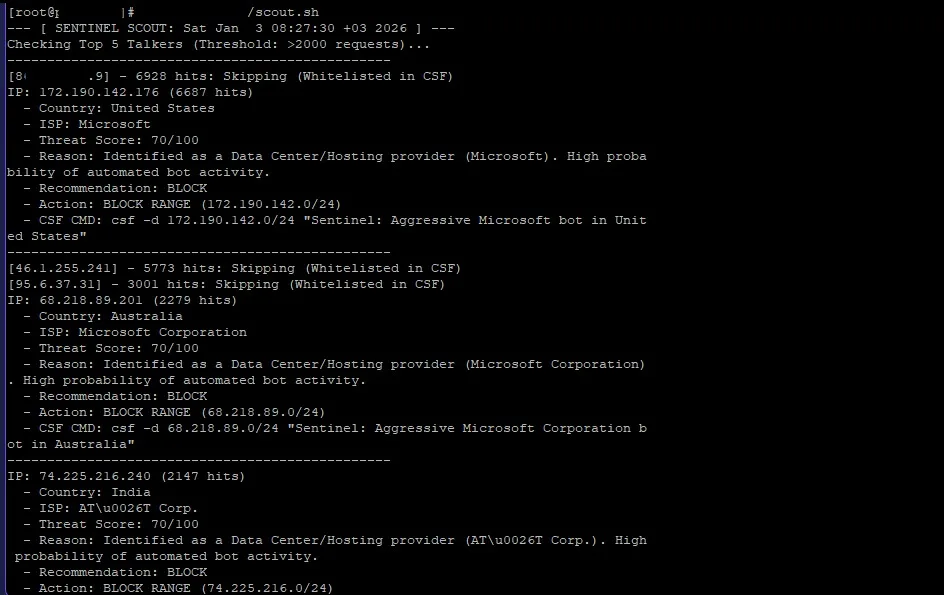
Manually checking every IP against threat databases is exhausting. To solve this, I developed Sentinel Scout, a lightweight Bash script that analyzes your traffic and uses real-time threat intelligence to give you a “Verdict” on whether to block an IP.
Why Sentinel Scout?
Most simple firewalls only look at numbers. Sentinel Scout looks at intent. It automatically:
-
Identifies “Top Talkers” from your web logs.
-
Whitelists your own server and any IPs you’ve already trusted in CSF.
-
Cross-references the traffic with real-time data to see if the IP is a Data Center (high risk) or Residential (low risk).
-
Generates the exact command needed to block the threat in ConfigServer Security & Firewall (CSF).
The Script
Here is the redacted version of the script. Simply save this as sentinel_scout.sh, give it execution permissions (chmod +x), and run it as root.
https://gist.github.com/WpComet/248cf62803bb24e058e5f4963390d275
How to use this data
When you see a BLOCK recommendation, the script identifies if the IP belongs to a data center (like Azure or AWS). In those cases, it suggests a /24 range block because bot operators often switch between multiple IPs in the same subnet.
If the score is low and the reason says “Residential ISP,” be careful! That might be a real customer on a slow connection or a power user.